For the moments you keep.

Less clutter.
More room for life.

Make space for your favorite moments. Review photos and videos, reduce large video files, and bring a little order to Gmail.

Explore the features

You review. You decide. Nothing is deleted automatically.

Find what to review Keep what matters Take action on your terms

A cleaner device.
A clearer day.

From repeated photos to a crowded inbox, find what to review and choose what happens next.

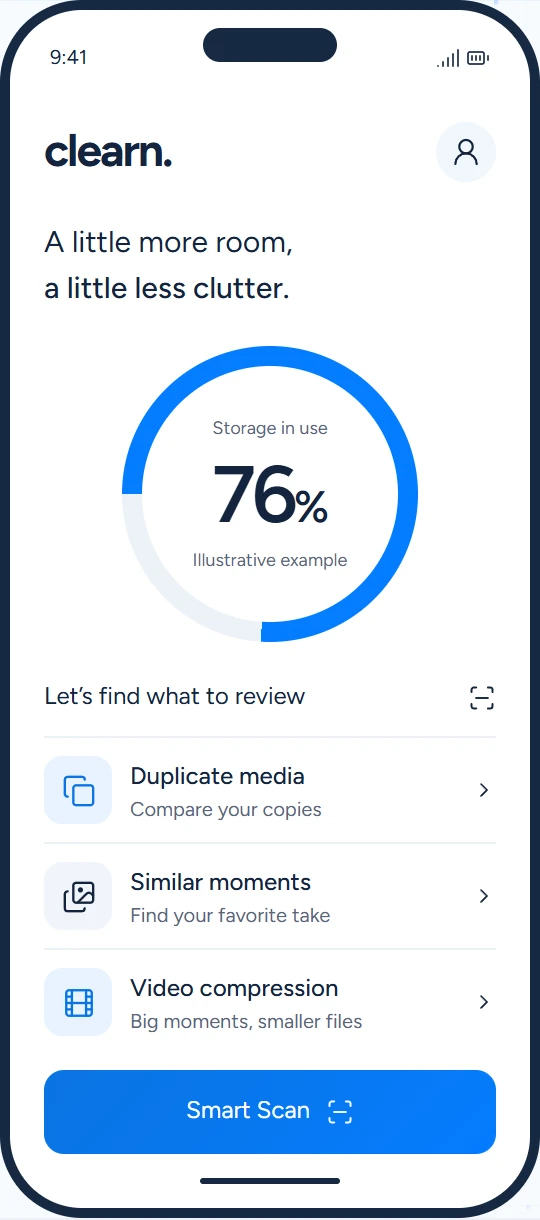
Smart Scan

See what’s
taking up space.

Quickly scan your photos and videos for content that may be taking up unnecessary storage. Get a clear starting point, then decide what to keep or remove.

A smarter starting point. Your decisions from there.
A clear place to startPhotos, videos, extra copies.
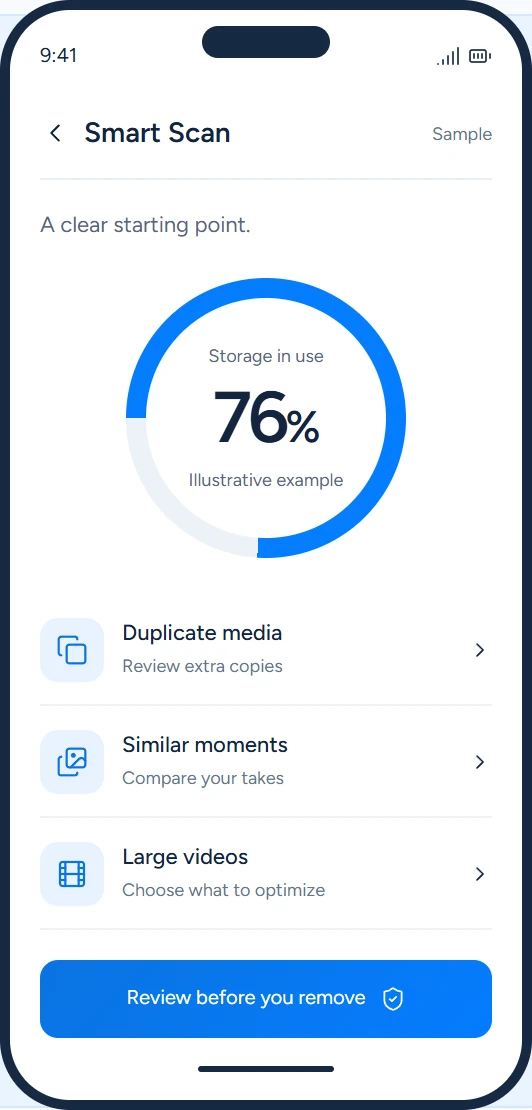
Illustrative Smart Scan screen showing photos and videos to reviewIllustrative app screen
Duplicate photos & videos

Keep the memory.
Skip the duplicates.

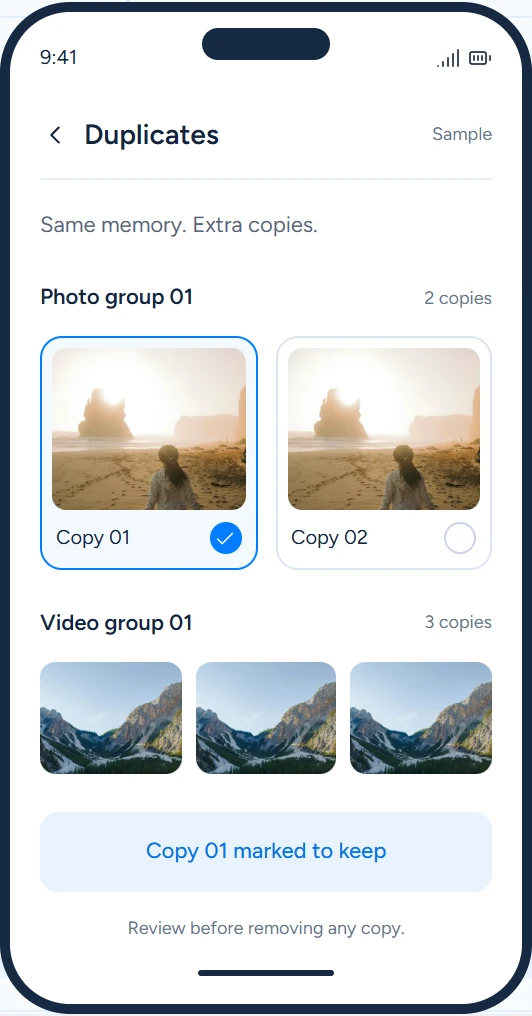
Find duplicate photos and videos grouped together for easy review. Compare the copies and choose which ones to keep or delete.

Nothing is deleted automatically.
Keep the one you loveReview before you remove.
Illustrative duplicate media screen with one copy selected to keepIllustrative app screen
Similar photos & videos

Find your
favorite take.

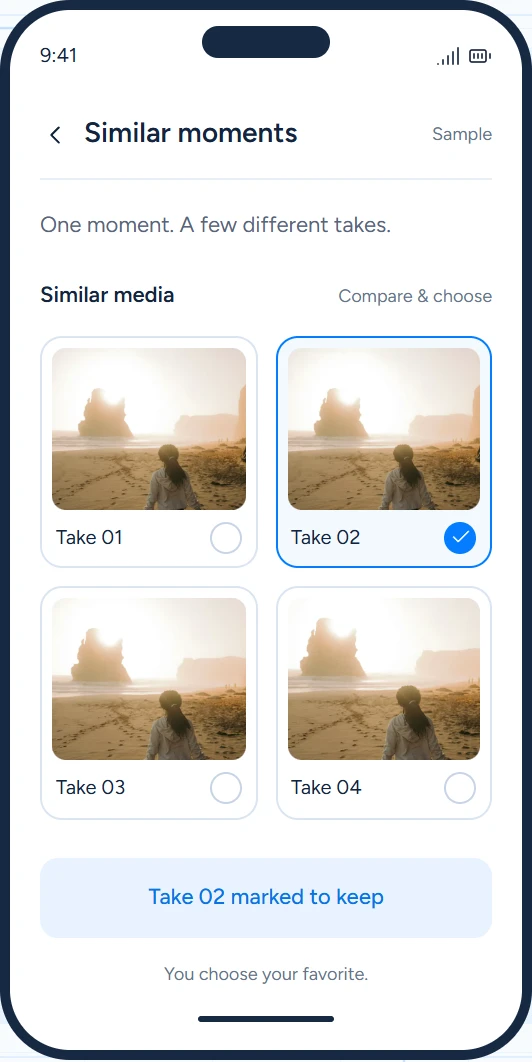
Compare visually similar photos and videos of the same moment. Keep your favorites and remove what you no longer need.

Similar doesn’t mean identical. You make the call.
Illustrative similar media comparison screenIllustrative app screen
Video compression

Big moments.
Smaller files.

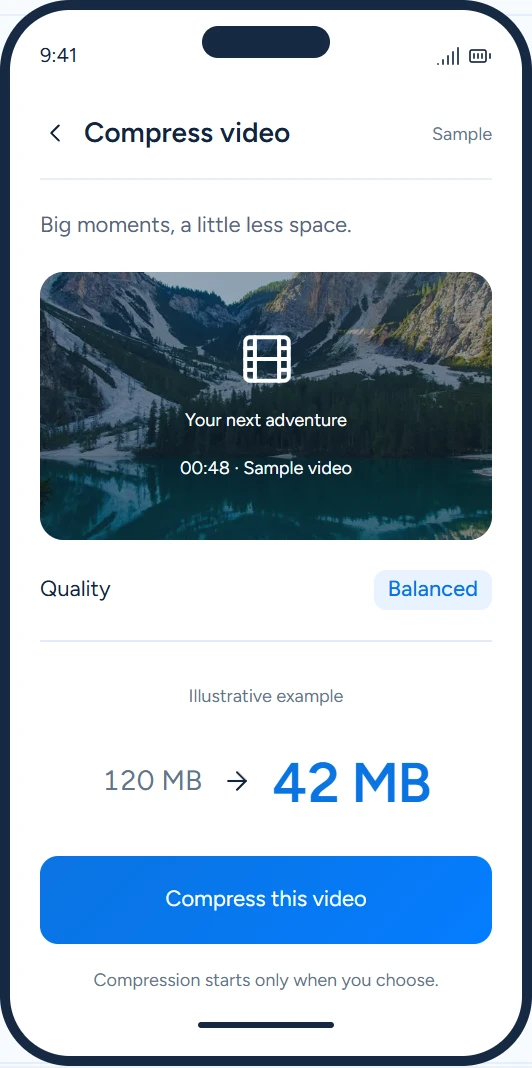
Reduce the space used by selected videos while aiming to preserve practical visual quality. Compression starts when you choose.

Results depend on the video and compression settings.
Illustrative video compression screen; file sizes are sample valuesIllustrative app screen

A little cleanup,
on your terms.

No guesswork. A clear path from finding clutter to choosing what happens next.

01

Find what to review.

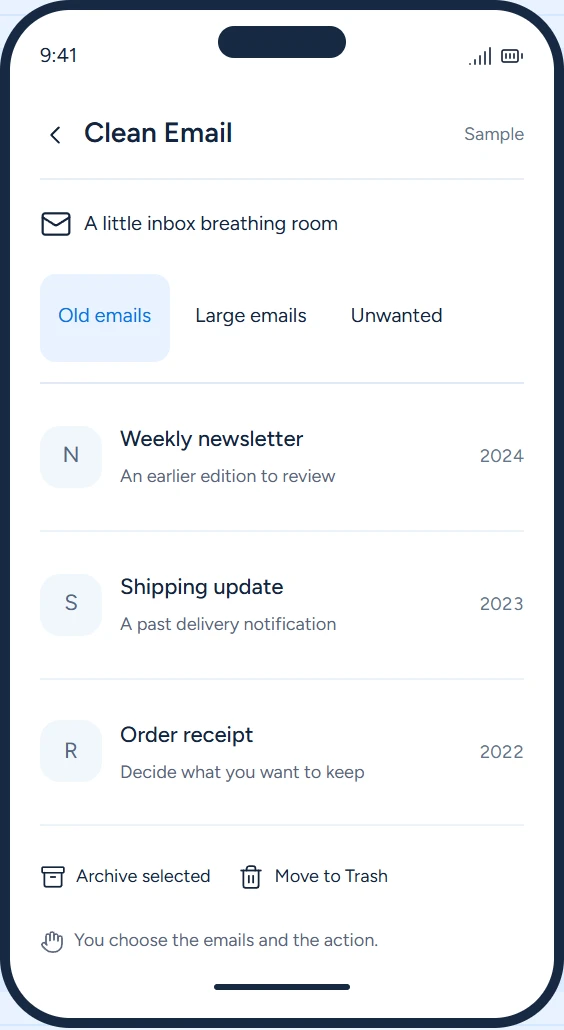
Scan your photos and videos, select a video to compress, or connect Gmail to review your inbox.

02

Choose what matters.

Compare detected items and decide what to keep, remove, archive, or optimize.

03

Act when you’re ready.

Start the action you’ve selected. Your photos, videos, and emails aren’t deleted automatically.

You’re always
in control.

Your photos, videos, and emails are personal. Clearn helps you review them. You decide what stays and what happens next.

Read our Privacy Policy

Review before removal.

Nothing is deleted automatically. Every deletion starts with your decision.

Start actions yourself.

Video compression begins only when you initiate it.

Gmail permission is yours to grant.

Access starts with Google OAuth authorization and is used for email management.

Make room for
your next moment.

Bring a little more order to your photos, videos, and Gmail inbox.

Available on Android

Clearn

Link to be added